 Family
Stay in touch
with your family
Family is an app for the people closest to you: video calls, group calls, screen sharing and a family chat. Inside, you only see the people you invited into your family. Free, with no ads.
What it does
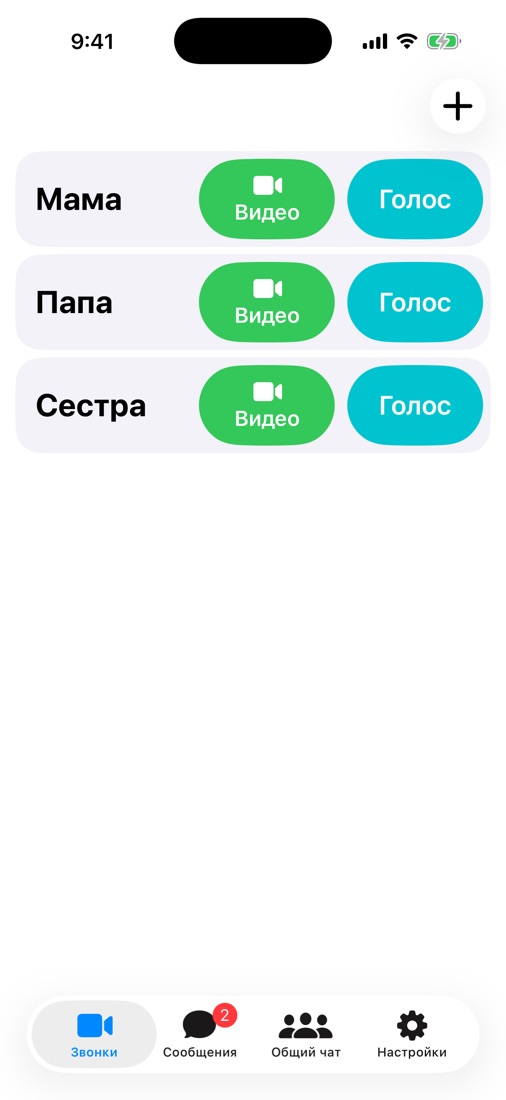
Video and voice
One button, like a phone call. Sound and picture go directly between the devices.
Group calls
Bring someone else from the family into the call and talk all together.
Screen sharing
Show your screen to help your parents with their phone or computer.
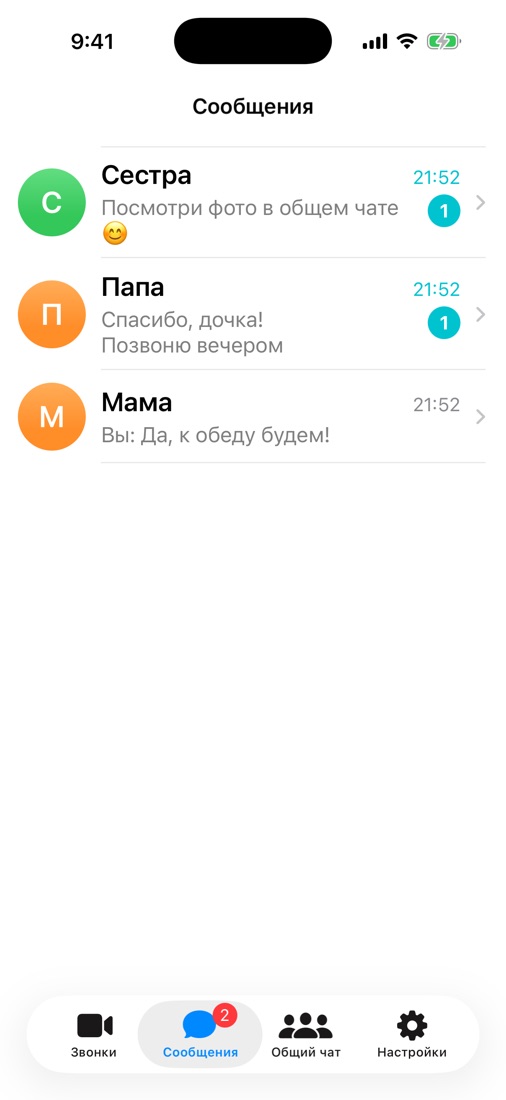
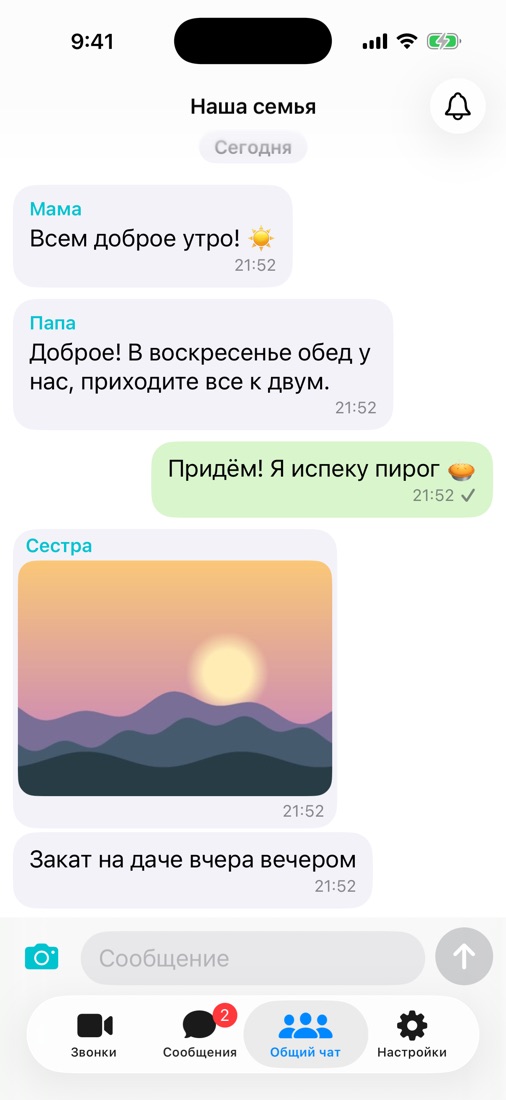
Family chat
A personal chat with each relative and a shared family chat. Photos carry no location data.
No passwords
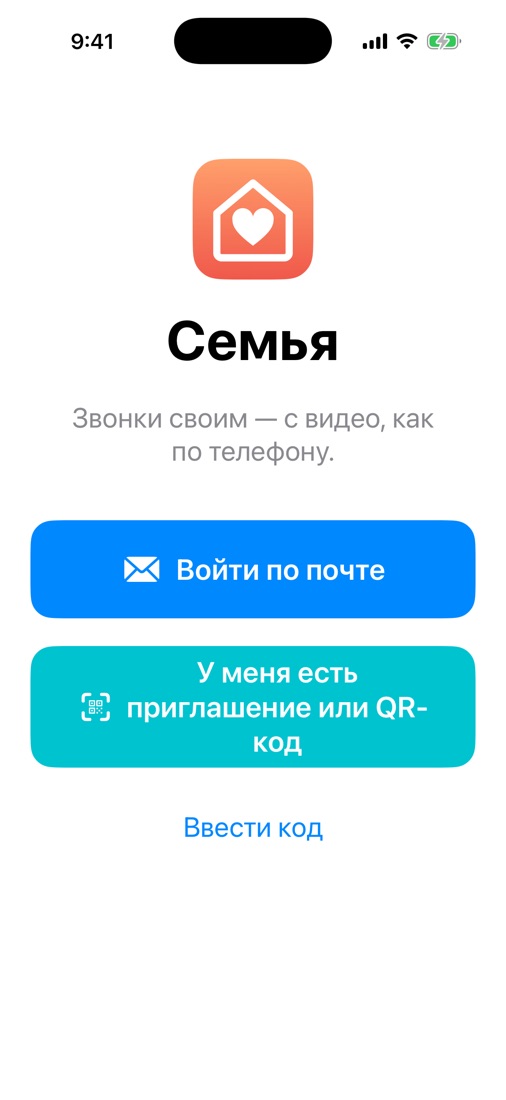
Sign in with a code sent to your e-mail or a QR code from your other device.
Invite by link
Send a link: the person installs the app and is in your family right away.
How to start
Install Family
On iPhone, Mac or Android.
Sign in by e-mail
You get a 6-digit code — no password.
Invite your family
Settings → “Invite to the family”: a link or a QR code.
Download
The iPhone and Mac beta is by invitation through TestFlight. On Android you can download the installer directly — the phone will ask to allow the install.
Privacy
Only your family sees that you use Family. We show no ads, use no trackers and never sell data. Calls are never recorded. More about your data.